VIDEOS
Video walkthroughs
Watch RaptorGRC being installed, verified and used, step by step.
 Plays from YouTube
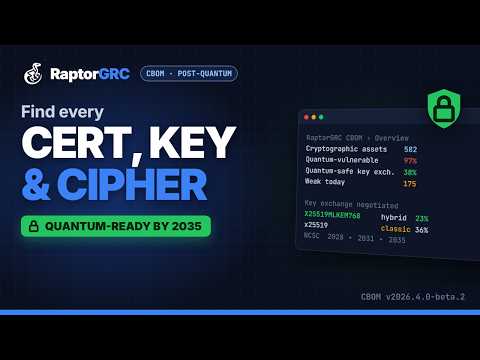
RaptorGRC CBOM: Find Every Certificate, Key and Algorithm in Your Estate | 2026.4.0-beta.2
Before you can migrate to post-quantum cryptography, you need to know what cryptography you have. The NCSC asks organisations to complete discovery and an initial migration plan by 2028, migrate their highest-priority systems by 2031, and finish by 2035.
 Plays from YouTube
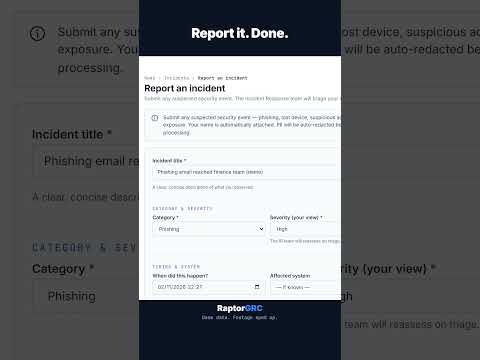
Your incident response shouldn't be an email chain
Report an incident, see every incident in one place, and watch regulatory reporting deadlines count down.
 Plays from YouTube
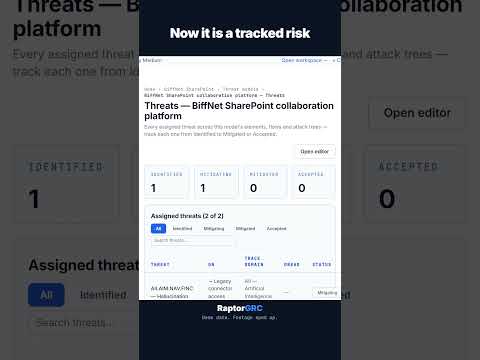
Your threat list belongs in your risk register
Promote a threat from a threat model into a risk register. The new risk is scored, owned and linked back to the threat.
 Plays from YouTube
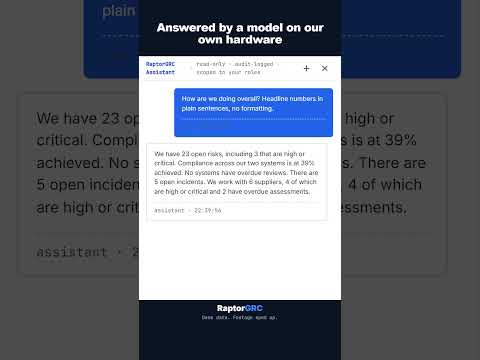
Stop pasting your risk register into a public chatbot
Ask RaptorGRC about your own data, answered by a local model through Ollama. This demo runs on our own hardware and uses demo data. The wait for the answer is sped up.
 Plays from YouTube
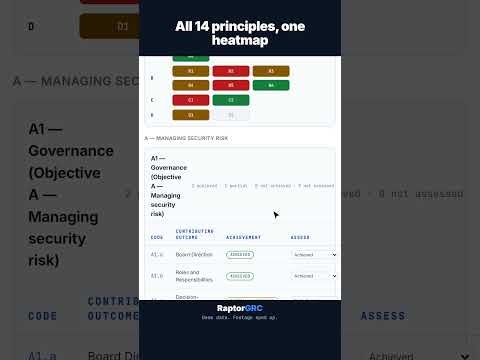
14 CAF principles. 14 spreadsheet tabs. Or one screen.
NCSC CAF posture across all four objectives and all 14 principles. Score an outcome and the posture updates. Scores shown are demo data.
 Plays from YouTube
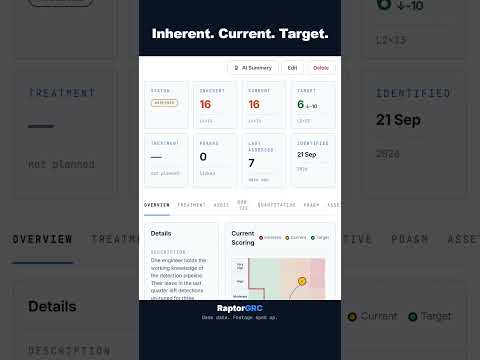
Your risk register shouldn't be called FINAL_v7
Every risk on one heatmap, with inherent, current and target scores, a named owner and the reason it's there.
 Plays from YouTube
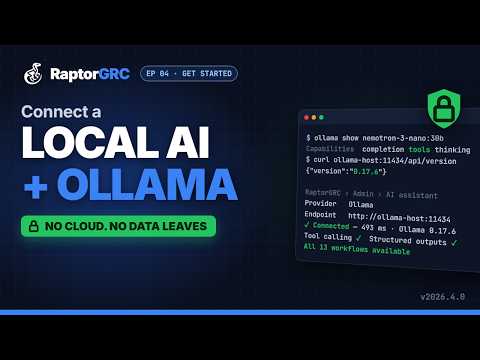
Connect RaptorGRC to a Local AI Model with Ollama (no cloud, no data leaves your network) | 2026.4.0
Ollama setup Ollama must listen on the network, not just localhost: OLLAMA_HOST=0.0.0.0:11434 Endpoint in RaptorGRC: http://YOUR-OLLAMA-HOST:11434 Check tool support: ollama show nemotron-3-nano:30b (look for "tools" under Capabilities) Ollama on the same machine as RaptorGRC? Use http://host.docker.internal:11434 and add extra_hosts: ["host.docker.internal:host-gateway"] to the raptorgrc service in docker-compose.yml.
 Plays from YouTube
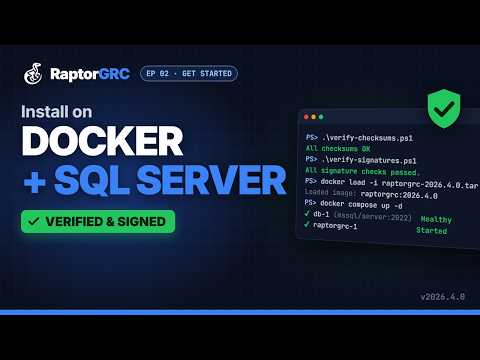
Install RaptorGRC on Docker with SQL Server Express (Windows, verified, offline-ready)
Install RaptorGRC 2026.4.0 on Docker Desktop for Windows with Microsoft SQL Server 2022 Express as the database, from download to a licensed, healthy system. Before anything runs, we prove the release is genuine with the PowerShell verify scripts that ship with the bundle: every file's checksum is checked, every signature is verified against the RaptorGRC release key, and the key itself is compared with the one published on raptorgrc.com. All of it works offline, so this is the same flow you'd use on an air-gapped network.
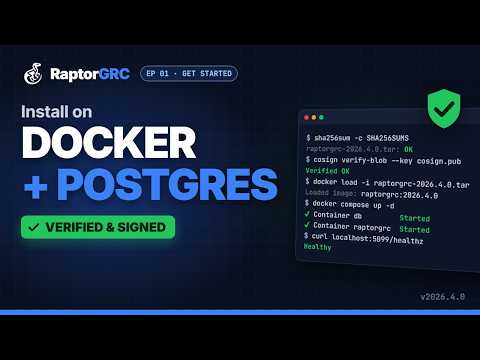 Plays from YouTube
Install RaptorGRC on Docker with PostgreSQL (verified, offline-ready) | 2026.4.0
Install RaptorGRC 2026.4.0 on Docker with a PostgreSQL database, from download to a running system. Before running anything, we prove the release is genuine: sha256sum checks every file arrived intact, and cosign checks the container image was signed by the RaptorGRC release key. Everything is checked offline, so this works on air-gapped networks too.